2026 Rewards Program
At Healthcare Australia, we know the work you do matters, and we believe it should be recognised. That’s why our 2026 Rewards Program is designed to give back to you in meaningful ways, from financial incentives and education support to everyday perks that make your work life easier. Whether you’re picking up agency shifts or taking on longer placements, the more you work, the more you benefit.
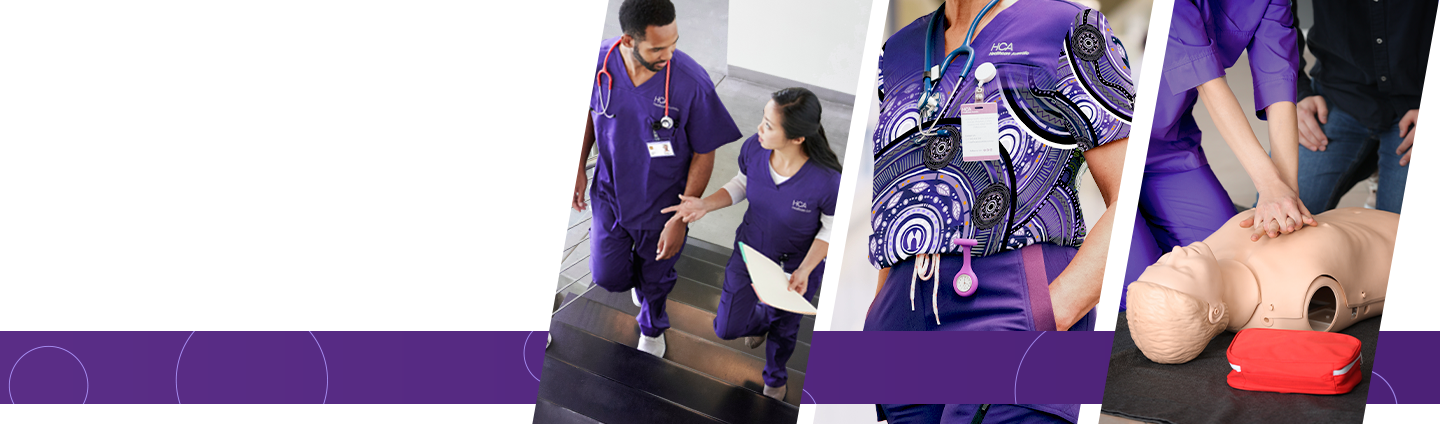
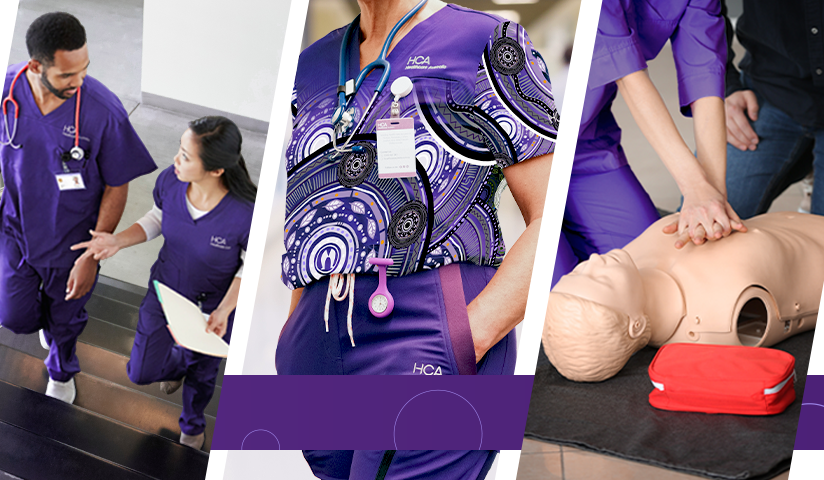
Once you hit your hours, you’ll receive a full set of HCA scrubs — so you’re ready to go from your very first shifts. We understand that, as healthcare professionals, we know that being comfortable helps you perform at your best. Our new scrubs are impeccably stylish but also unbelievably comfortable.
You can redeem a free set of HCA’s Premium Scrubs by working 250 hours and exchanging those accrued hours for the scrub reward. Alternatively, if you book your first 6-week (Minimum) travel nurse placement, you will automatically be allocated a free set of scrubs.


From competitions to exclusive perks, we regularly run giveaways to recognise and reward our workforce. Look out for the next giveaway coming soon!

- Earn more as you work more
- Our rewards program is built to grow with you, giving you access to benefits, bonuses, and reimbursements as you build hours and experience with HCA.
- Support your career development
- We invest in your future with education reimbursements and training support, helping you grow your skills and expand your opportunities.
- Be recognised for your commitment
- From uniforms to incentives and referral bonuses, we make sure your contribution doesn’t go unnoticed.

At HCA, rewards aren’t just extras, they’re part of how we support you.
- Helping you earn more
- Supporting your career growth
- Making your day-to-day easier
Because when you’re supported, you can focus on what matters most, delivering great care.
Designed Around You
We know flexibility is important. Whether you’re working casually, picking up extra shifts, or exploring different settings, our rewards program is designed to fit around your lifestyle and goals.
Join HCA and start accessing rewards from your very first shifts.

How to Redeem your Scrubs
Step 1 - Join HCA
If you're not already a Healthcare Australia Employee, apply now to be eligible for any of our rewards

Step 2 - Check your email
You'll receive an email from our uniform supplier Designs To You with your login details the first Friday you are activated. Please follow the link and complete your registration. Check the FAQ for more information.
Step 3 - Work Shifts
Every hour you work, you'll accrue eligible hours which you can redeem for our various offerings. To redeem our scrubs, you'll need to accrue 250 eligible hours or book a 6-week Travel Nurse placement

Step 4 - Check your hours accrued
You can see how many hours you've accrued by checking the bottom of your payslip. Hours accrued will be shown as “Points Earned”

Step 5 - Redeem your Scrubs
Log into the uniform supplier's website and redeem your scrubs!
Step 6 - Await your delivery!
Sit back, relax and wait for your new scrubs to arrive! You've (literally) earned it!
How to Redeem your Education Reward
Step 1 - Join HCA
If you're not already a Healthcare Australia Employee, apply now to be eligible for any of our rewards
Step 2 - Work Shifts
Every hour you work, you'll accrue eligible hours with which you're able to redeem various offerings. To redeem our education reward, you'll need to accrue 250 hours for $500 and 500 hours for $1000! (Capped at $1000 annually)
Step 3 - Check your hours accrued
You can see how many points you've earned by checking the bottom of your payslip. Hours accrued will be shown as “Points Earned”

Step 4 - Book your education course
Once you've accrued enough hours, book an eligible training and education course of your choice

Step 5 - Complete your course and provide receipt
Once you've completed your course, you'll need to send HCA the certificate of completion and receipt. See the FAQ below for where to send your certificate of completion and receipt to.
Step 6 - Await reimbursement
Sit back and relax. We'll process your email and reimburse the cost of the course to your bank account. You've (literally) earned it!